
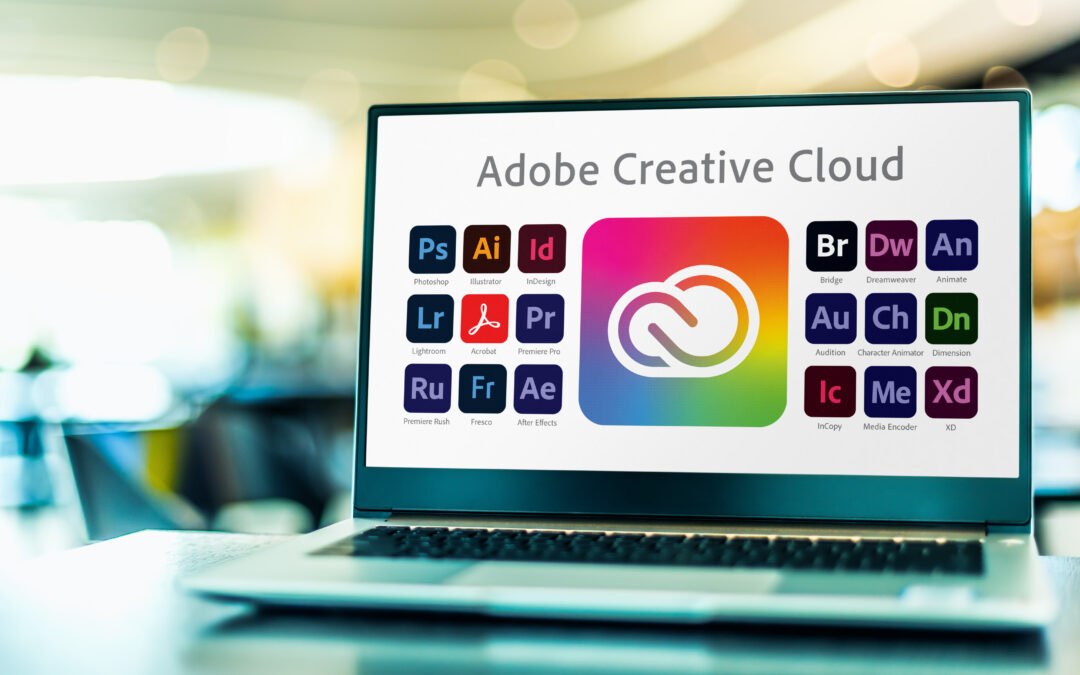
While it’s the industry standard for drafting and editing a manuscript, Microsoft Word lacks the precise, high-end features and control required for professional, print-ready book design. Because of this, a publisher would never use Word for the final typesetting of a book.
Let’s break down the primary reasons why publishers use specialized desktop publishing software (like Adobe InDesign) instead of MS Word.
1. Professional Typographic Control
Typesetting is both an art and a science and focuses on readability and aesthetics, which Word cannot handle at a professional level. Elements of this discipline include:
- Hyphenation and Justification (H&J): Professional typesetting software uses sophisticated algorithms to decide where to break lines and words, creating an even, readable text block without distracting gaps (rivers) or awkward stacks of hyphens (such as at the right-hand edges of paragraphs). Word’s H&J controls are very crude by comparison, often leading to poor word spacing and an unprofessional look.
- Kerning and Tracking: Typesetting software offers precise control over the spacing between individual letters (kerning) and blocks of text (tracking) to optimize readability and visual balance. Word’s controls of these elements are very limited.
- Optical Margin Alignment: Professional software can slightly nudge punctuation (like periods, commas, and quotation marks) outside the text block to make the text alignment look visually perfect—a feature Word doesn’t have.
2. Handling of Layout and Complex Elements
Word is a word processor, designed for linear content creation. Typesetting software is a page layout tool, designed for visual arrangement. The latter ensures the former is delivered most effectively to its audience by making it aesthetically inviting.
- Templates and Styles: While Word offers styles to make the drafting and editing process more pleasant and accessible, professional layout software allows for a considerably more robust and flexible use of master pages, page sections, and sophisticated style sheets that control everything from headers and footers to running heads and page numbering across complex sections.
- Handling of Graphics and Tables: Word treats images and tables as “objects” that often “float” and disrupt the text flow when edited, leading to layout disasters. InDesign gives typesetters precise control over where and how such graphics are anchored, wrapped, and positioned relative to the text.
- Non-standard Layouts: InDesign excels at complex, grid-based layouts Word simply isn’t designed to properly manage, such as those found in nonfiction books, cookbooks, or texts with sidebars, captions, or multiple columns.
3. File Integrity and Workflow
The publishing process requires clean, reliable files that can move seamlessly between different programs. Publishers often receive the original manuscript in Word, but their first step when typesetting a book is always to import that text into a professional typesetting application for the actual book layout.
- “Cruft” and Hidden Formatting: Word documents often contain invisible, user-applied manual formatting (like extra tabs, double spaces, or manually inserted page breaks) that can lead to unpredictable results and errors when transferred or converted from one word processor to another. Professional typesetting software is designed to apply formatting globally via styles, keeping the file “clean.”
- Print-Ready Output: Publishers’ files must meet strict industry standards for commercial printing, which usually requires a high-resolution PDF with correct bleed, crop marks, and color space settings (like CMYK). Word’s export options are generally not robust enough to guarantee a true print-ready file that won’t cause problems on a commercial press.
- Version Control: For revisions and future editions, Word documents, especially for complex projects, lack the proper controls to manage elements like track changes in a production environment. Professional typesetting software, by contrast, is designed to manage such elements easily.
In summary:
| Feature | MS Word (Word Processor) | Adobe InDesign (Typesetting Software) |
| Primary Goal | Creating and editing text. | Designing and arranging fully edited pages for print. |
| Typographic Control | Basic (limited H&J, kerning, etc.) | Advanced, professional-grade control for spacing and alignment. |
| Image/Table Handling | Difficult; objects “float” and break layout. | Precise, grid-based, and anchored placement of graphics. |
| Output | Good for home/office printing; poor for commercial press (bleeds, color). | Industry standard for high-resolution, commercial print-ready PDFs. |
Recent Comments